# Connect to a Flakery Instance via Tailscale
In order to connect to a flakery instance via SSH, we will need to edit the nixos configuration to allow SSH access, and then connect to the instance using the ssh command. This guide will walk you through the process of connecting to a flakery instance via SSH, and editing the nixos configuration to allow SSH access.
# Prequisites
This guide assumes that you already have a nix flake that you would like to connect to via SSH. If you do not have a nix flake, see Using the Flakery Nix Flake Template for instructions on how to create a new nix flake using the flakery template. If instead, you'd just like to create one in the current directoy, run the following command:
nix flake init -t github:getflakery/flakes#flakery
nix flake lock # generate lockfile
2
This guide also assumes that you have a tailscale account and have installed the tailscale client on your local machine. If you do not have a tailscale account, you can sign up for one here (opens new window).
# Edit Your NixOS Configuration to Enable the Tailscale Service
# Enable The Tailscale Service
You can enable the tailscale service by adding the following to your configuration.nix file:
{ config, pkgs, ... }:
let
  flakeryDomain = builtins.readFile /metadata/flakery-domain;
in
{
  system.stateVersion = "23.05";

  services.tailscale = {
    enable = true;
    authKeyFile = "/tsauthkey";
    extraUpFlags = [ "--ssh" "--hostname" "flakery-tutorial" ];
  };

}
2
3
4
5
6
7
8
9
10
11
12
13
14
This enables the tailscale service for nixos, specifies the location of the tailscale authentication key file, and specifies the extra flags to use when bringing up the tailscale service.
# Create a Flakery Template and Deployment.
Create a flakery template for your nix flake. If you need a refresher, check out the Creating a Flakery Template section of the quick start guide.
# Add AuthKey to Your Flakery Template
create an auth key on the tailscale keys page (opens new window).
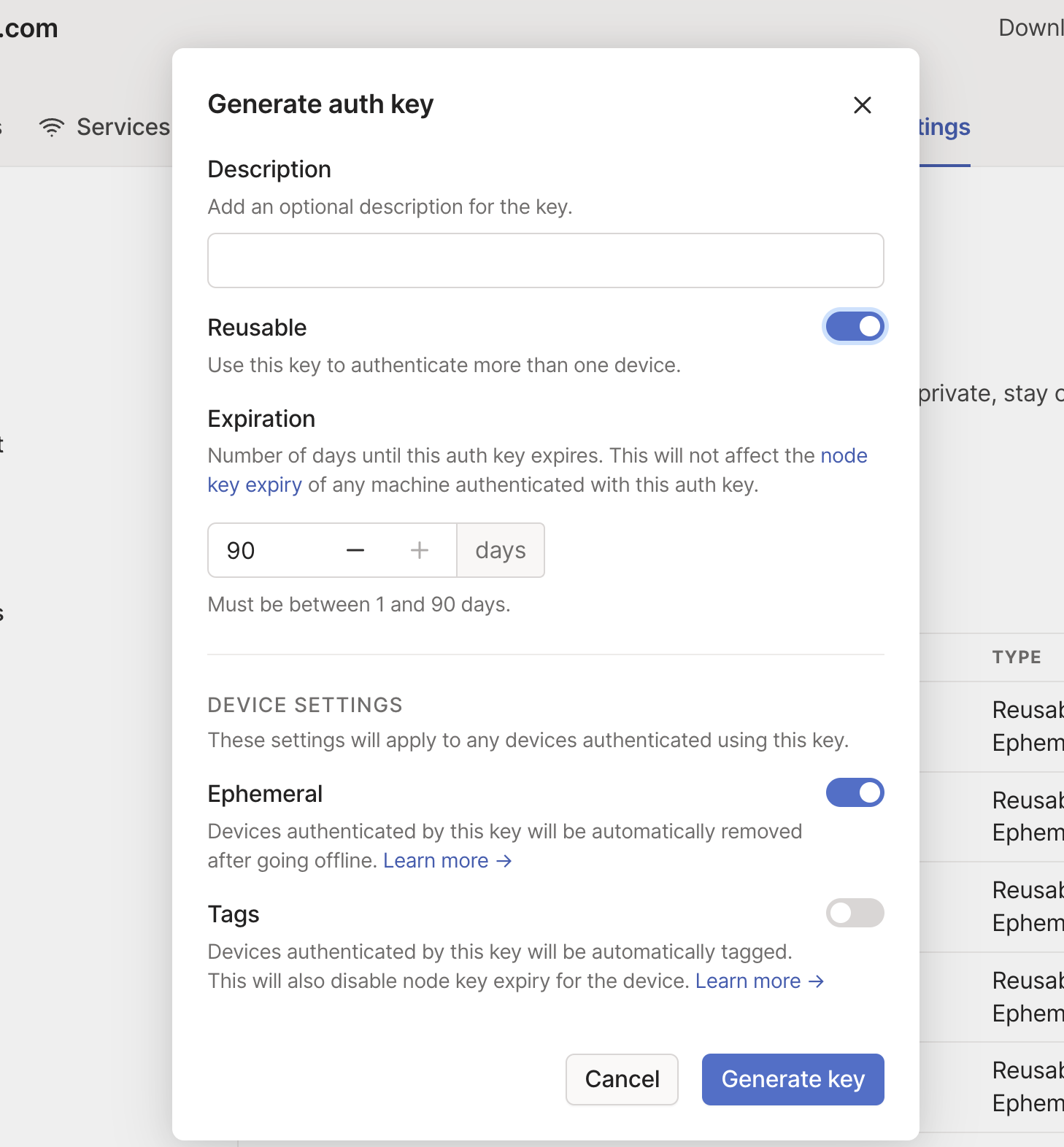
On the template page, add a file to your template with the /tsauthkey path and an auth key from the previous step.
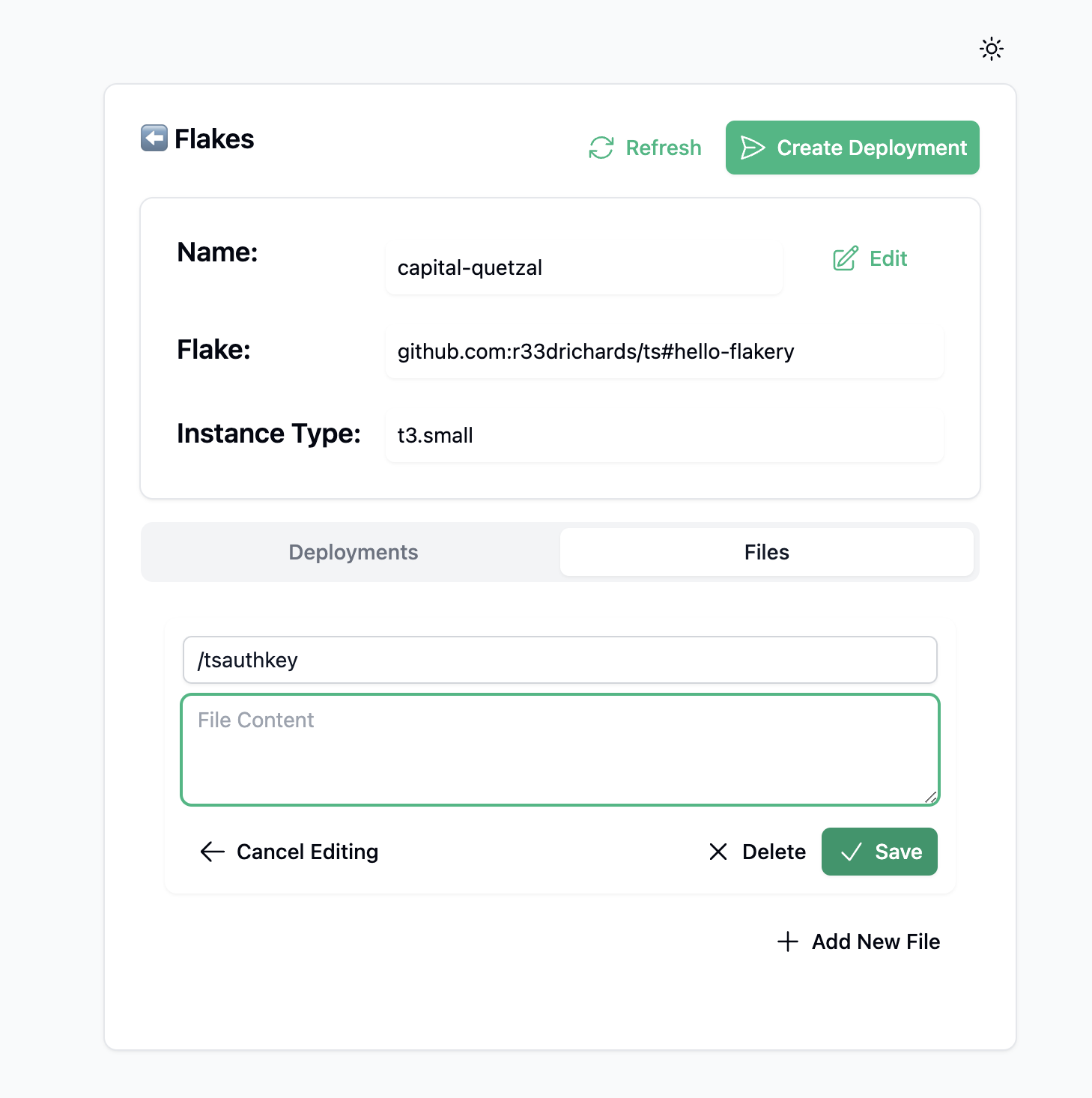 . Then save the file to the template.
# Deploy the Template
Deploy your newly created flakery template. If you need a refresher, check out the Create Your Deployment section of the quick start guide.
# View the Flakery Instance in the Tailscale Admin Console and Connect to it via Tailscale SSH
Once your flakery instance is deployed, you can view it in the tailscale admin console and connect to it via tailscale ssh.
